
RR&Co Computor Control: Discussion
Posted

Inactive Member
Post any questions arising from "First Steps with RR&Co"
Yep, I know you can't see the sound files once they're uploaded. The Lokprogrammer just makes it easier to manage the decoder. Bryan doesn't lock them - it's just how the decoder works. Anyway, I digress.On my locos I have the horn toot when moving off and the air release when it stops on the Function Map. That saves a bit of programming in TC. Go into the virtual driver and press each of the buttons with the loco on the Lokprogramming track. Make a note of where the air release and the single toot are.
Then go to the Function Map and have a look at the Sound Slot number at the bottom of the relevant button. Put the air release sound slot in FS and the horn toot sound slot in FL. Then write to the decoder.
UNDER NO CIRCUMSTANCES CLICK THE GREEN ARROW INTO THE OVERWRITE BOX !! Unless you are happy with the settings you have entered. It means that if you put 8 into CV 8 and do a reset and you have been playing with other stuff at the time, things could be strange afterwards.
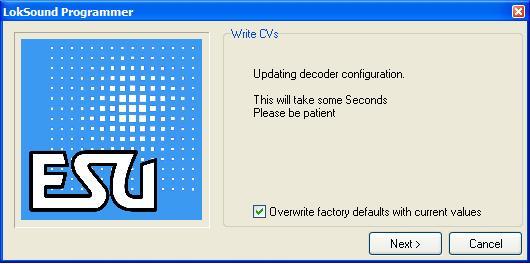
That should make the horn toot before it moves off and the air release happen after it stops.
I only have one function for TC as you know :oops: and it is the first thing that happens - the engine starts. I reckon that the others should play in order while the delay in the Rules tab of the Properties of the Schedule, is running. That delay holds the move off. The default setting is 2 seconds, so you could run it out until all of your sound files have played.
Does that help?
Max
Port Elderley
Port Elderley


Posted

Full Member
I had drop my volume levels yesterday, the guv'nor was on about some decorating that needs doing and i couldn't hear her because my horn was stuck on!
Regards
Pete
Regards
Pete.
ECOS2 with RR&Co Traincontroller and a load of other electronics so i can sit back and watch the trains go by.
Pete.
ECOS2 with RR&Co Traincontroller and a load of other electronics so i can sit back and watch the trains go by.
Posted
Inactive Member
I have been re-reading the Manual all the while and I may be wrong, but none of this minutae appears to be there. Maybe we should write another Manual; "TC for the Computerially Challenged."
Looking forward to the movie. :cheers
Max
Port Elderley
Port Elderley
Posted
Inactive Member
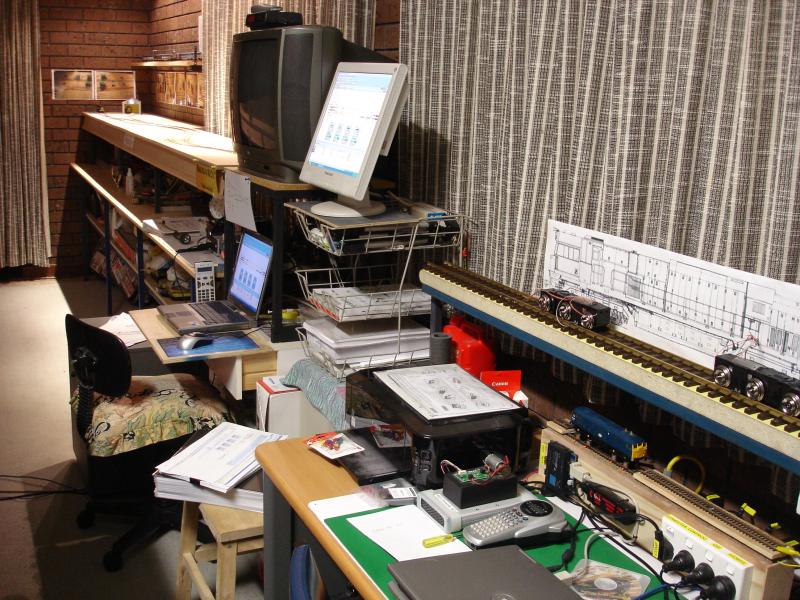
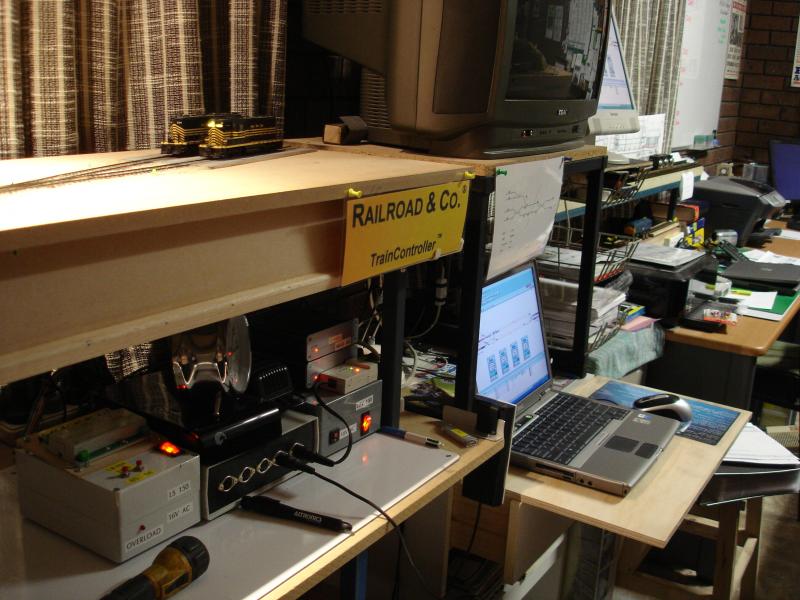
The process will run continuously.
My thanks to Pete, Matt, Geoff and of course to John who started all this madness! You can all have a break. Next I want to learn how to stop the locos mid schedule.
Max
Port Elderley
Port Elderley
Posted
Guest user
That part is easy - turn off the power at the wall switch

Posted
Guest user
:lol::cool:
Posted
Inactive Member
Max
Port Elderley
Port Elderley
Posted
Full Member
Video is being posted now.
Regards
Pete.
ECOS2 with RR&Co Traincontroller and a load of other electronics so i can sit back and watch the trains go by.
Pete.
ECOS2 with RR&Co Traincontroller and a load of other electronics so i can sit back and watch the trains go by.
Posted
Inactive Member
When you look at their properties they look the same as all the others, but one of them stops halfway through and the other two refuse to start the engines unless I go into and out of Edit mode.
I think I will have to delete them all and start again from scratch. That sounds familiar. I guess I need the practice. You can't just delete a single Schedule otherwise you lose the schedule number and it goes on to 17.
I had two bits of really bad news today, so that really puts the icing on the cake. They say it comes in threes! :thud
 Last edit: by MaxSouthOz
Max
Port Elderley
Port Elderley
Posted
Guest user
just glad i am staying hands on.
keep going Max you are getting there..
:thumbs:lol::lol::cool:
Posted
Inactive Member
I had two bits of upsetting news today and the new challenge came on top of that. Be assured that I won't be throwing in the towel.
It's also important to keep in mind that TC is nothing like driving your trains yourself. It's more like a Rubik's cube.
Last edit: by MaxSouthOz
Max
Port Elderley
Port Elderley
Posted
Full Member
Regards
Pete.
ECOS2 with RR&Co Traincontroller and a load of other electronics so i can sit back and watch the trains go by.
Pete.
ECOS2 with RR&Co Traincontroller and a load of other electronics so i can sit back and watch the trains go by.
Posted
Guest user
you are right about the rubix cube, i think we are just starting to scratch the surface. it will be interesting in 12 months time, we will either be in a looney bin or passing on our knowledge to other frustrated modellers.
:mrgreen:
Posted
Guest user
we are now on page 43 (i think), i know we have the TUT and the discussion.
do we need a third thread for rambling?
what i mean is over these 40 odd pages we have added lots of great information that would help someone like us (newbies).
to sit down and read through all the pages would be daunting for a lot of people. i think as new members join the show we will start to get repetitive questions. do you think we need a thread that relevant information is placed or lock this thread and have version 2. that way when we get to about page 50 a new thread is started. if any questions are asked we can point them to version 1 and on or around page xx.
i think we are all aware of the information on these pages and it would be easy to point someone onto the right page. however the more the thread grows the harder it will be.
what do you think?
Posted
Full Member
I suppose the next progression can be advanced Traincontroller where we can deal with signals, virtual contacts, push buttons and those pesky flagmen what do you chaps think?
Pete
Regards
Pete.
ECOS2 with RR&Co Traincontroller and a load of other electronics so i can sit back and watch the trains go by.
Pete.
ECOS2 with RR&Co Traincontroller and a load of other electronics so i can sit back and watch the trains go by.
Posted
Guest user
Posted
Full Member
Regards
Pete.
ECOS2 with RR&Co Traincontroller and a load of other electronics so i can sit back and watch the trains go by.
Pete.
ECOS2 with RR&Co Traincontroller and a load of other electronics so i can sit back and watch the trains go by.
Posted
Inactive Member
Max
Port Elderley
Port Elderley
Posted
Inactive Member
Max
Port Elderley
Port Elderley
Posted
Inactive Member
I want to make a completely new Switchboard, but when I click on new Despatcher Window, I keep getting the original one.
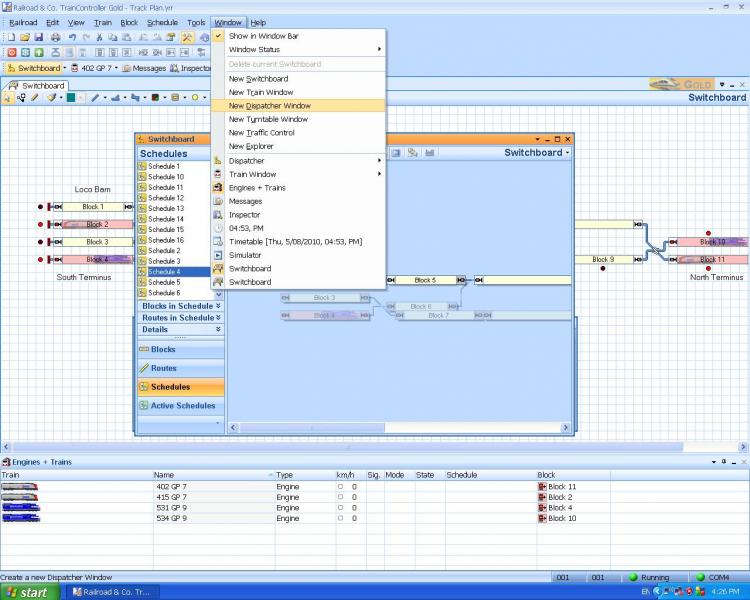
Are we only able to have one Switchboard at a time?
Max
Port Elderley
Port Elderley
1 guest and 0 members have just viewed this.